
Go to Settings > User Account Settings
Here is all the administrators set up on your system
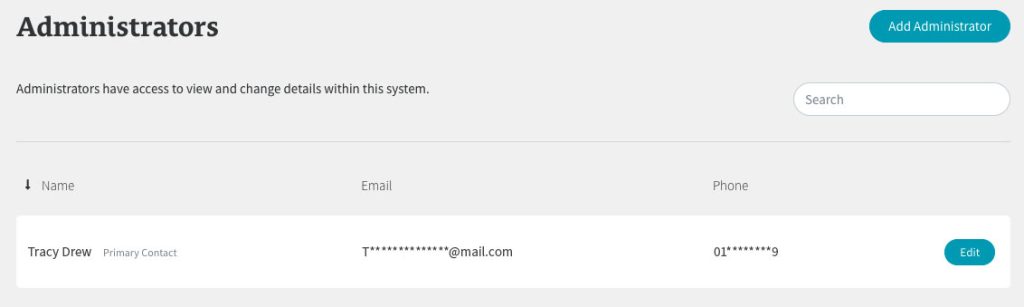
You will always have your main ‘Primary Contact’ listed here, but the number of additional administrators you can have depends on which plan you have.
- Foundation Plan: 1 administrator
- Growth Plan: 5 administrators
- Scale Plan: 10 administrators
- Enterprise Plan: 20 administrators
If you’ve reached your plan limit and would like to add more administrators, talk to your Account Manager about upgrading your plan.